Petit Planet Beginner Guide: Starting Galaxies, Luca Arbor and Daily Progression
Choose between Hexia and Taffeh, learn what the Luca Arbor unlocks, and see how Luca Fruits change your planet and when you'll need to wait in real time.
Your first job in Petit Planet is to pick a patch of the universe to call home. Your second is to grow a tree. That tree decides when you get a beach, when you can farm and how much of the planet is open to you. The opening is easy to follow once you know which choices are yours and which upgrades come in a set order.
This walkthrough follows the beta opening. The galaxy options, unlock levels and waits below describe that version of the game. Official Petit Planet site
01. Arrive in the Starsea and choose your galaxy
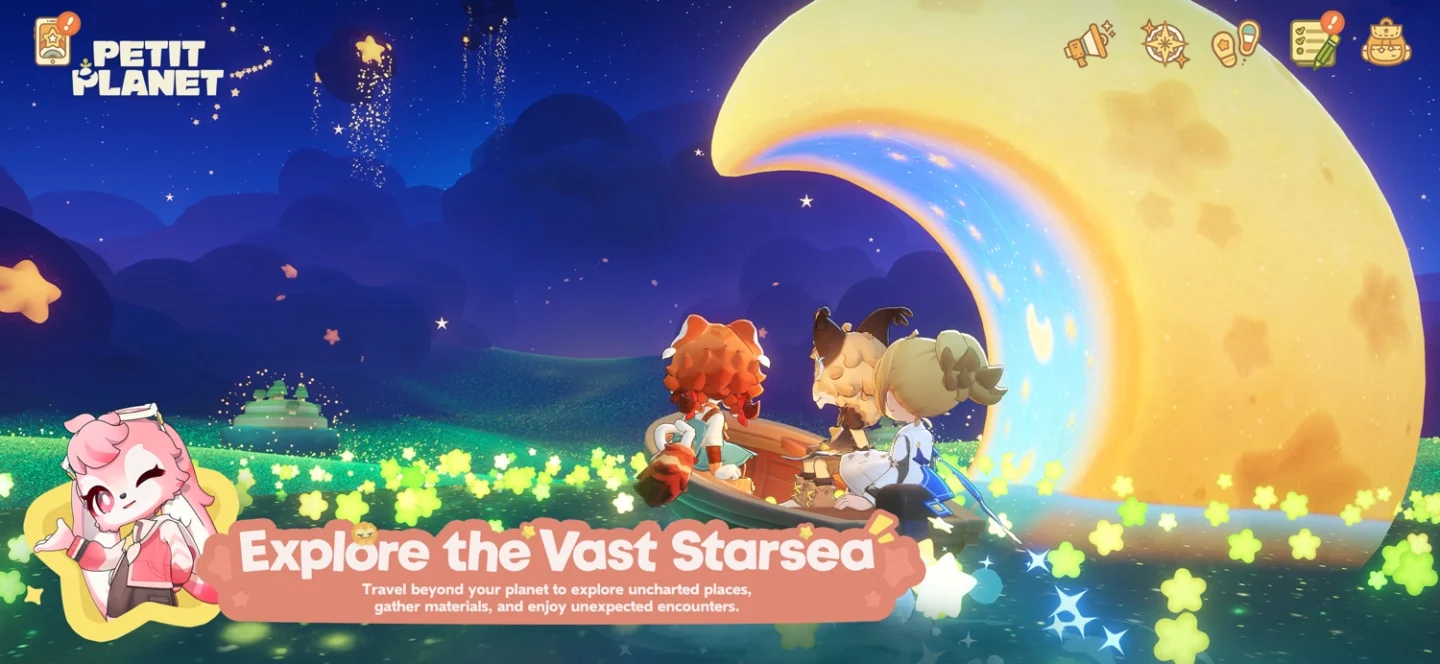
The opening treats the Starsea as a lonely place waiting to be filled with life. You arrive on the back of Oumuamua, a Starsea Spirit said to listen to people’s wishes. The spirit helps planets grow and carries them across the universe. You join Loomi Co.’s Nurture a Planet Initiative as a Planet Tender, with a world of your own to care for and other planets to connect with. HoYoverse’s introduction to the Starsea
The beta offers two starting landscapes. Hexia is the greener choice, with lush plains and rolling hills. Taffeh has golden, savanna-style terrain. The fruit shown in the opening examples was different too.
| Galaxy | Landscape | Fruit shown |
|---|---|---|
| Hexia | Verdant green plains | Plums |
| Taffeh | Golden savanna | Mangoes |
Pick the landscape you’d like to spend time in. Your starting galaxy also sets the zone for your first Starsea Voyage, so it affects where you begin exploring beyond home. The ocean-themed scenery glimpsed in the presentation leaves room for another possibility, but the beta choice shown was between Hexia and Taffeh. Starsea Voyage guide
Mobai and Elsasani are there to welcome you. Much of the early story unfolds through meeting Neighbors, helping with their requests and learning what you can do on your planet. Some Neighbors share scenes, and their own backstories give the opening more personality than a checklist of chores would. The beta gave a clearer sense of those smaller stories than of where the larger plot will go. Meet the Petit Planet Neighbors
02. Grow the Luca Arbor to unlock more of your planet
Plant the Luca Seed to start growing the Luca Arbor. The Arbor supplies vitality to your planet, and its growth changes the land around you. Everyday activities and objectives help you earn Luca in jars. Use those jars to water the tree and, once you have enough Luca for the next level, the planet opens up a little more.
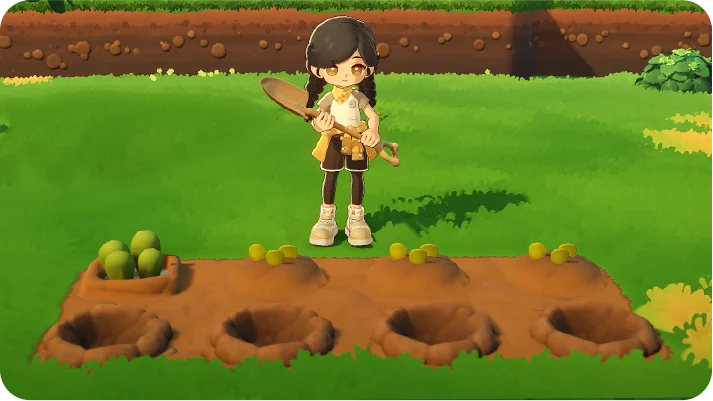
Arbor unlocks come in a fixed order. The Final Beta opened the beach at level 1, farming at level 2 and four additional farm plots at level 3. Later levels bring more terrain and changes to the planet’s weather and ecosystem. If farming is all you want to do, you can head for those early plots, but you still have to reach each milestone in order. Saving extra Luca doesn’t let you skip ahead and choose a different reward. Gopode’s Luca Arbor level and rewards guide
Follow the early Neighbor requests when you’re unsure what to do next. They give you a reason to try the systems as they open, and you can pick up side activities as the world grows. Once the beach is available, check which catches are found around your home planet. Petit Planet creature catalogue
03. Use Luca Fruits to change how your planet looks
Luca Fruits go on the branches of the Arbor. Each one changes part of the world around you. Think fluffy cloud formations, waves that glow along the shore or cliffs tinted like sunset. As you gain more fruits and slots, you can combine effects. A glowing shoreline looks quite different against rosy cliffs than it does beneath a sky full of soft clouds.
If you’re drawn to one starter galaxy but want a particular look later, remember that the world you pick at the start can evolve. Check the branches when you earn a Luca Fruit so you can see how its effect fits with what you’ve already placed. Luca Fruit reference
04. Plan around waiting in real time
Some story objectives in the Final Beta tell you to come back the next day. Certain buildings and house upgrades also have a wait before they’re ready. You can finish the tasks in front of you and still have to return after the game advances to the next real-world day. Sometimes that meant waiting for the daily reset.
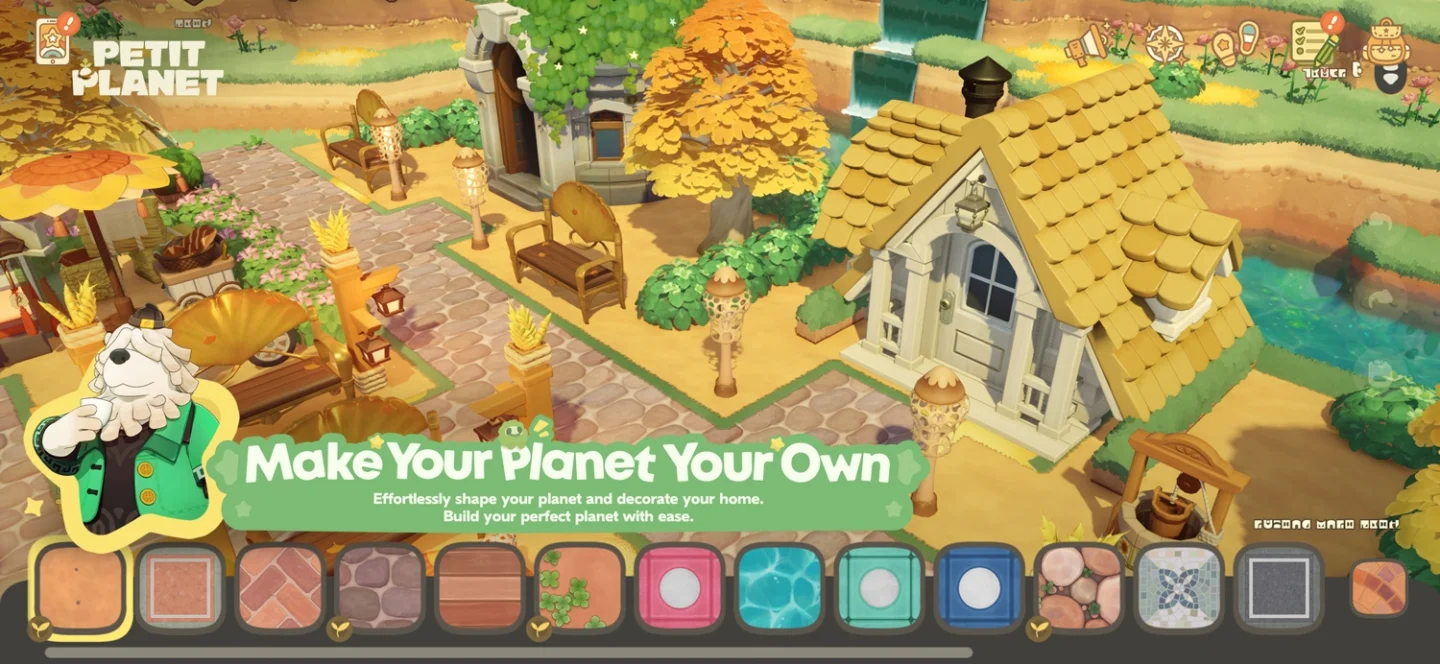
There are different limits on what you can do while you wait. Farming runs on crop growth, and Starsea exploration depends on supplies for landing on islets. Smaller placements work differently. The beta footage shows bridges and paths going down immediately once you have them available, so you can still shape the area around a building that’s under construction.
Playing a little each day gives you a natural place to stop and something new to find when you log back in. If you prefer one long session, expect to switch goals when a quest says to wait. Start the construction or upgrade you care about, then use the rest of the session to tend crops, catch creatures, or lay out the route from your house to the beach.